17
Is Your Website Down? How to Check Website Status, Ping & DNS Instantly
Learn how to quickly check if a website is online, measure latency with ping, inspect DNS records, and troubleshoot common outages — using free online tools on DigitalCheck24.
When a site suddenly stops loading, it’s hard to know whether the problem is your connection, the server, or DNS. With the free tools on DigitalCheck24, you can diagnose most issues in under a minute — no software install needed.
1. Check if the website is actually online
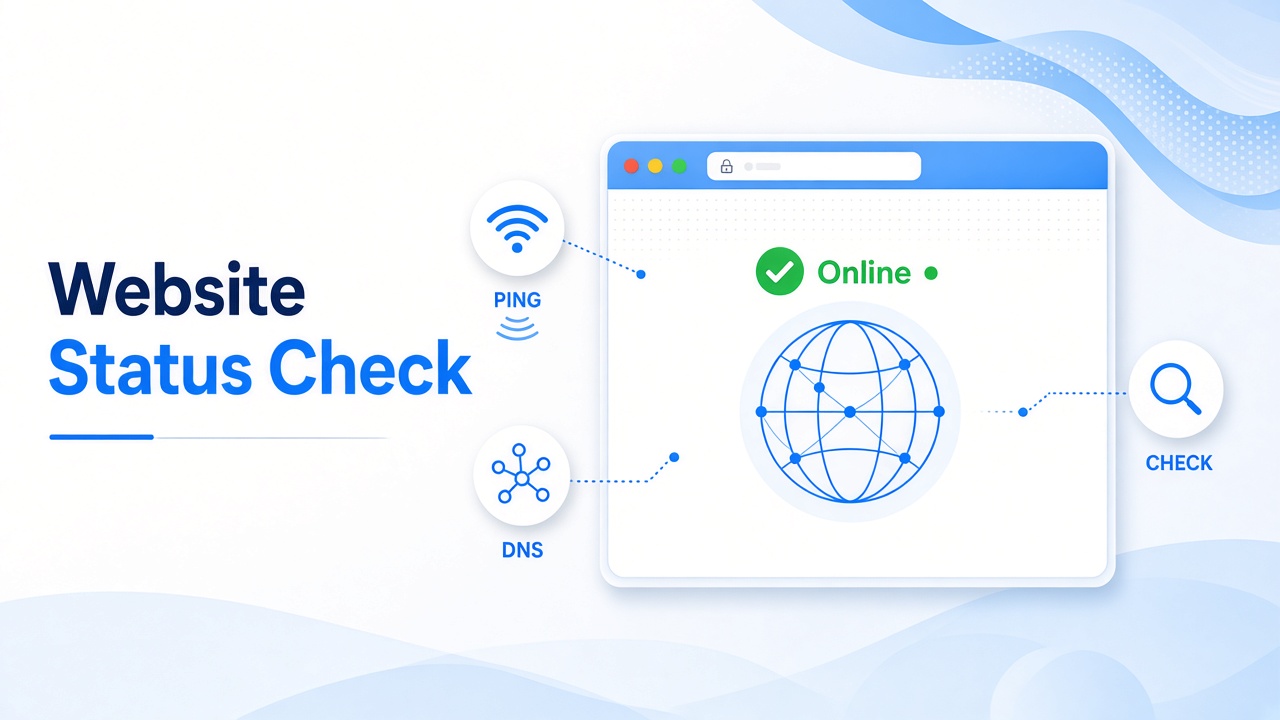
Start with the Website Status Checker. Enter the domain and see whether the site responds. If it shows offline for everyone, the issue is on the server or hosting side — not your Wi‑Fi.
2. Measure response time with Ping
If the site loads but feels slow, use the Ping tool. High latency often points to network congestion, a distant server, or routing problems. Stable, low ping usually means the connection path is healthy.
3. Inspect DNS records
Wrong or outdated DNS is a classic cause of “site not found” errors. Run a DNS Lookup to verify A, AAAA, MX, and other records. Also try Hostname to IP or IP to Hostname if you need to confirm what a host resolves to.
4. Check email and ports when needed
Mail delivery issues? Use MX Lookup to find the mail servers for a domain. For connectivity problems on specific services, the Open Port Checker helps you see which ports are reachable from the internet.
5. Quick troubleshooting checklist
- Confirm the site status with the Website Status Checker
- Test latency with Ping
- Verify DNS with DNS Lookup
- Check your own IP via What’s My IP if you’re debugging access rules
- Retry from another network or device to rule out local issues
More free utilities on DigitalCheck24
Besides network diagnostics, CyberTools includes image converters, Base64/URL encoders, SEO tag generators, password tools, JSON/CSV converters, and dozens of other utilities — all free and searchable from the homepage.
Ready to test? Open the tool directory and start with the Website Status Checker the next time a site won’t load.
Contact
Missing something?
Feel free to request missing tools or give some feedback using our contact form.
Contact Us