20
How to Compress Images Online Without Losing Quality
Large images slow down websites and fill up storage. Learn how to compress JPG, PNG, and WebP files online for free — and when resizing is better than compressing.
Large image files make websites load slower, emails heavier, and phone storage fill up fast. The solution is usually simple: compress your images before you upload them.
Why image compression matters
Unoptimized photos from phones can be several megabytes each. That can:
- Slow down page loading speed
- Hurt SEO and mobile experience
- Waste hosting bandwidth and storage
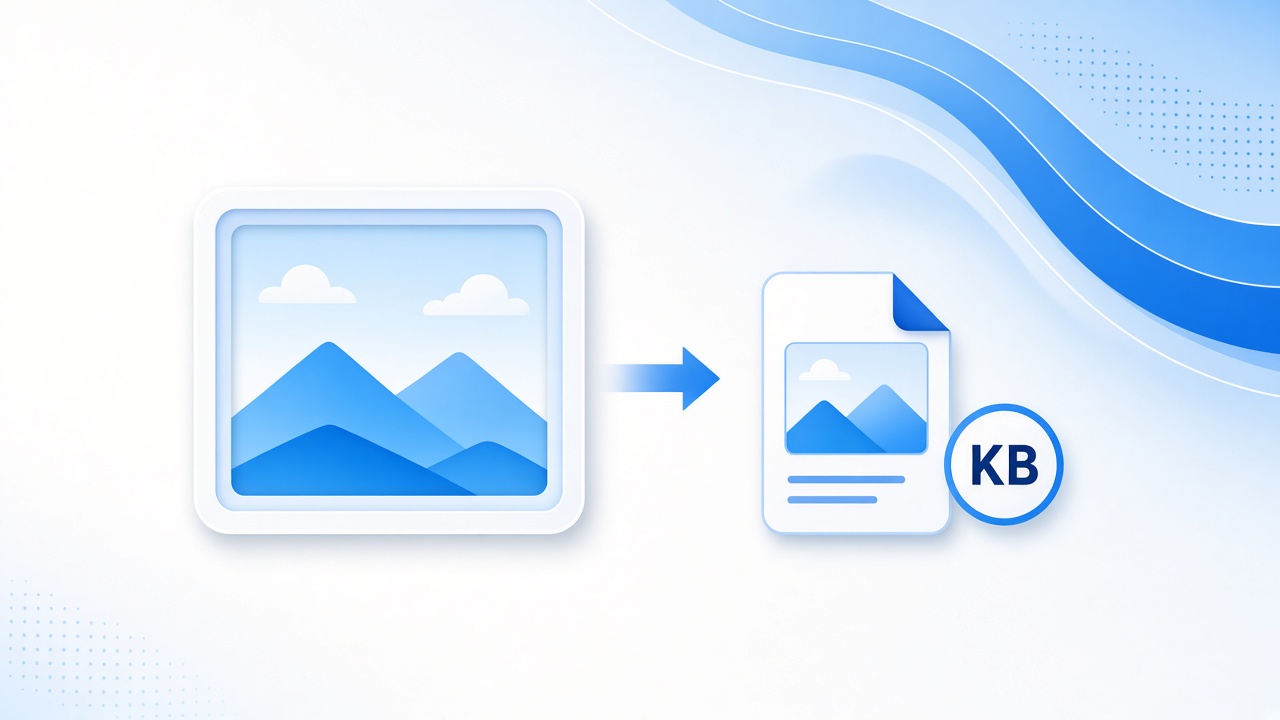
Compression reduces file size while keeping the image usable for the web.
Compress vs. resize
- Compress: lowers file size (quality settings / encoding)
- Resize: lowers pixel dimensions (e.g. 4000px → 1200px)
For websites, the best result is often both: resize to the needed display size, then compress.
How to compress images for free
Use the free Image Compressor on DigitalCheck24:
- Open the tool
- Upload your JPG, PNG, or similar image
- Compress and download the smaller file
- Check that it still looks sharp enough for your use case
Useful related tools
- Image Resizer — change width/height
- JPG to WebP / PNG to WebP — modern web formats
- PNG to JPG — when you don’t need transparency
Quick tips
- For blogs and product pages, 1000–1600px width is often enough
- Use WebP when your site supports it
- Keep originals as backup before heavy compression
- Don’t over-compress logos/text graphics — they show artifacts faster
Ready to try? Compress your next image with the Image Compressor — free, no install needed.
Contact
Missing something?
Feel free to request missing tools or give some feedback using our contact form.
Contact Us